The Smarter Alarm App

STOP SNOOZING.START GETTING UP.

Snooze Police is the alarm that makes you leave your bed before you can silence it.

Get out of bed to silence

QR code based alarm

Build better habits

Android only

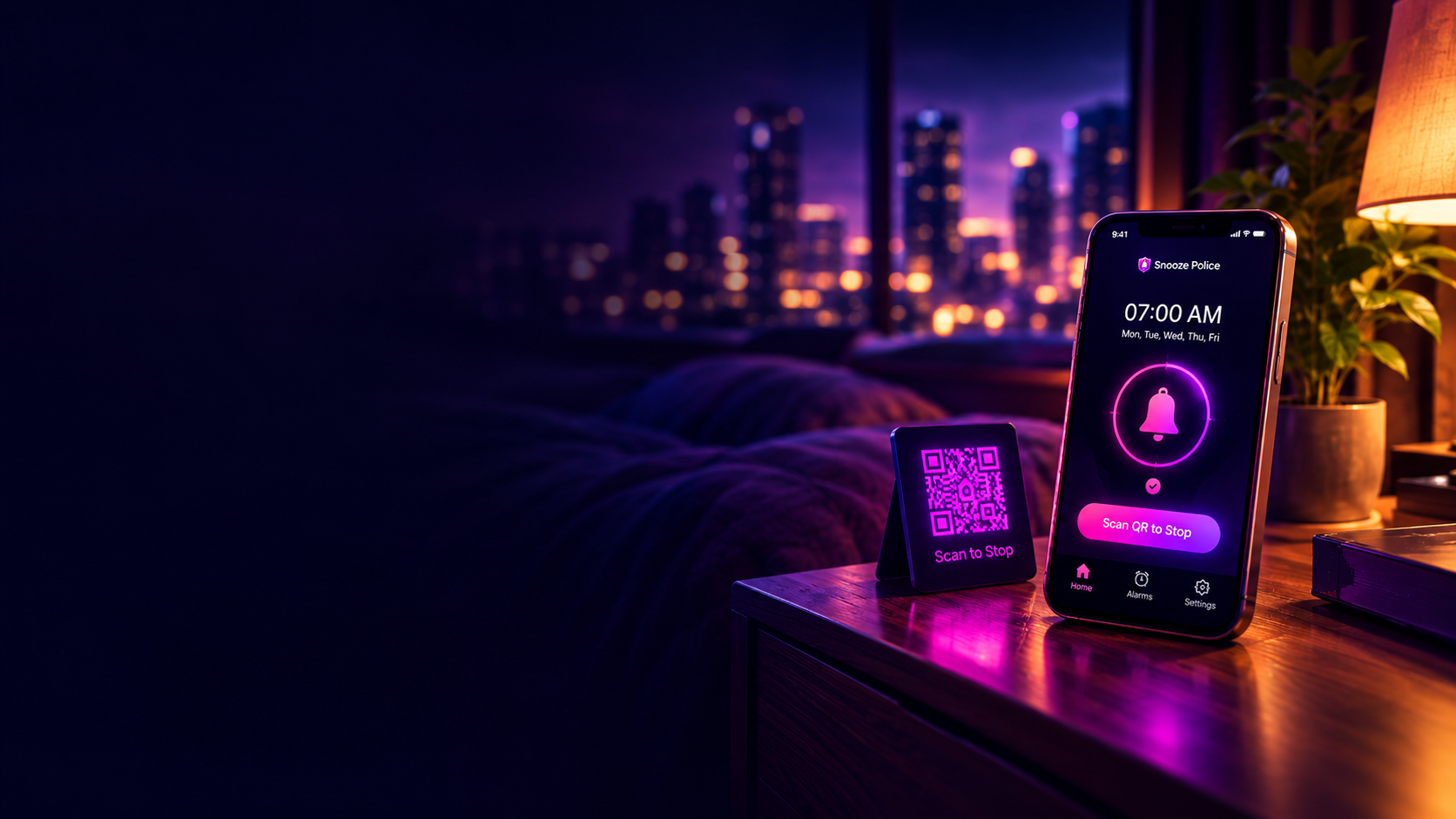
Snooze Police alarm app on a bedside table next to a QR code stand at night

The Problem

Your alarm shouldn’t be this easy to ignore.

Traditional alarms are too easy to silence. Snooze Police makes you get up.

  • The Snooze Button

    Too easy to silence.

  • Your Phone Is Right Beside You

    No reason to get up.

  • “Just Five More Minutes”

    Five minutes can be an hour.

The Solution

Meet the alarm you can’t silence from bed.

Snooze Police combines smart alarms with QR code technology to make sure you actually get up and start your day.
  1. Set Alarm
  2. Place QR Code
  3. Go to Sleep
  4. Alarm Rings
  5. Get Up
  6. You’re Awake

How It Works

  1. Set Your Alarm

    Choose when you need to wake up.
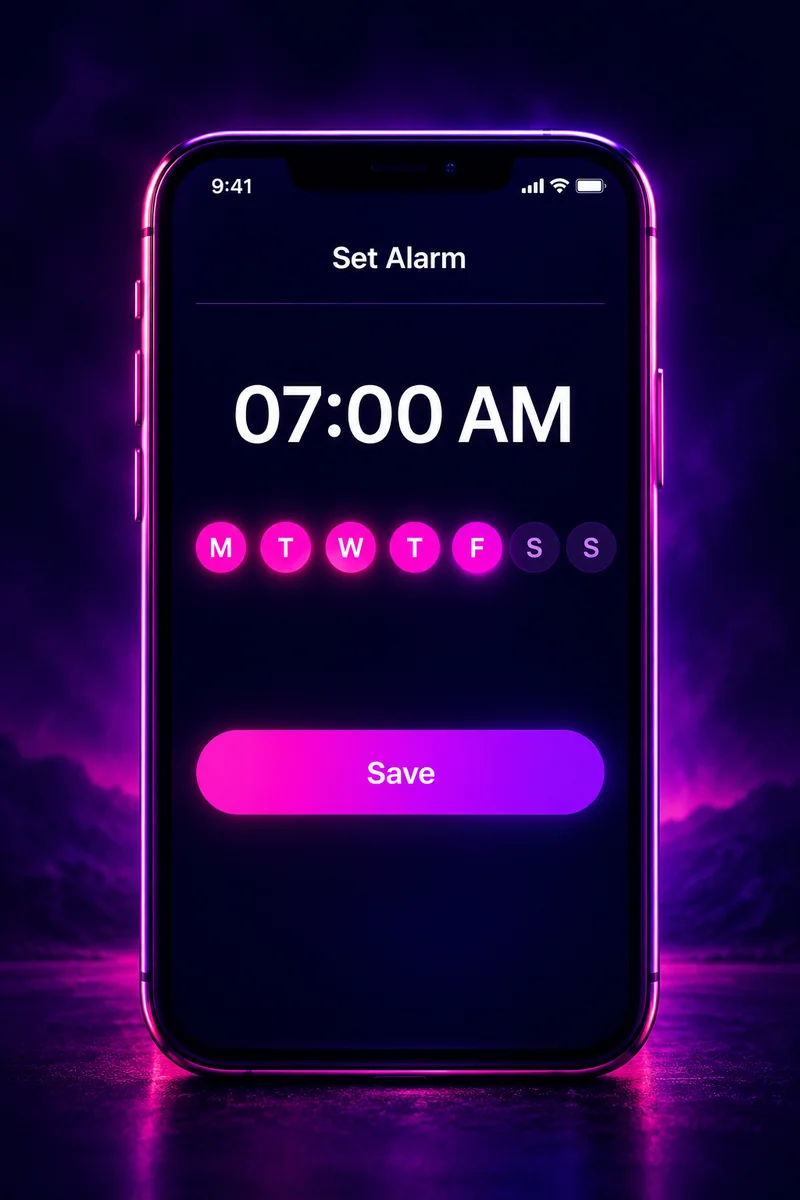
    Snooze Police app screen for setting a 7:00 AM alarm with weekday buttons and a Save button
  2. Place Your QR Code

    Put your QR code somewhere away from your bed.
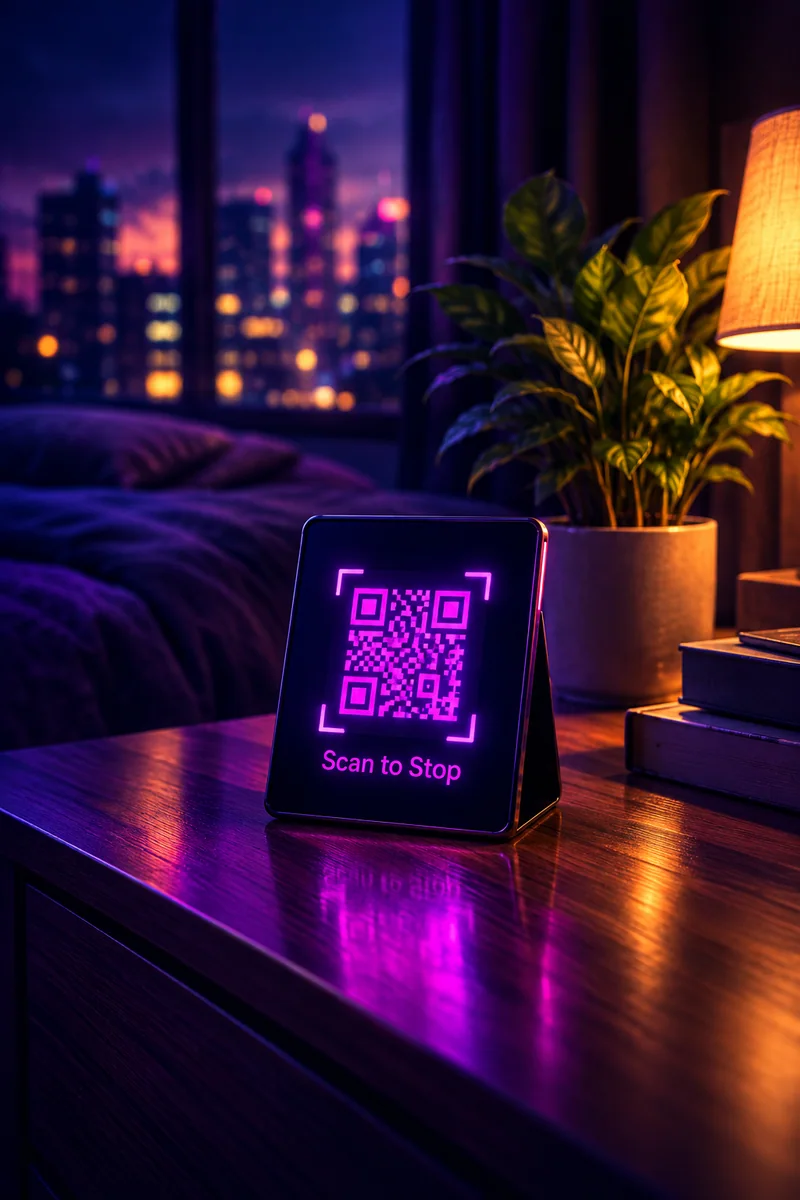
    A glowing QR code stand on a bedside table, placed away from the bed at night
  3. Go To Sleep

    Snooze Police takes over from here.
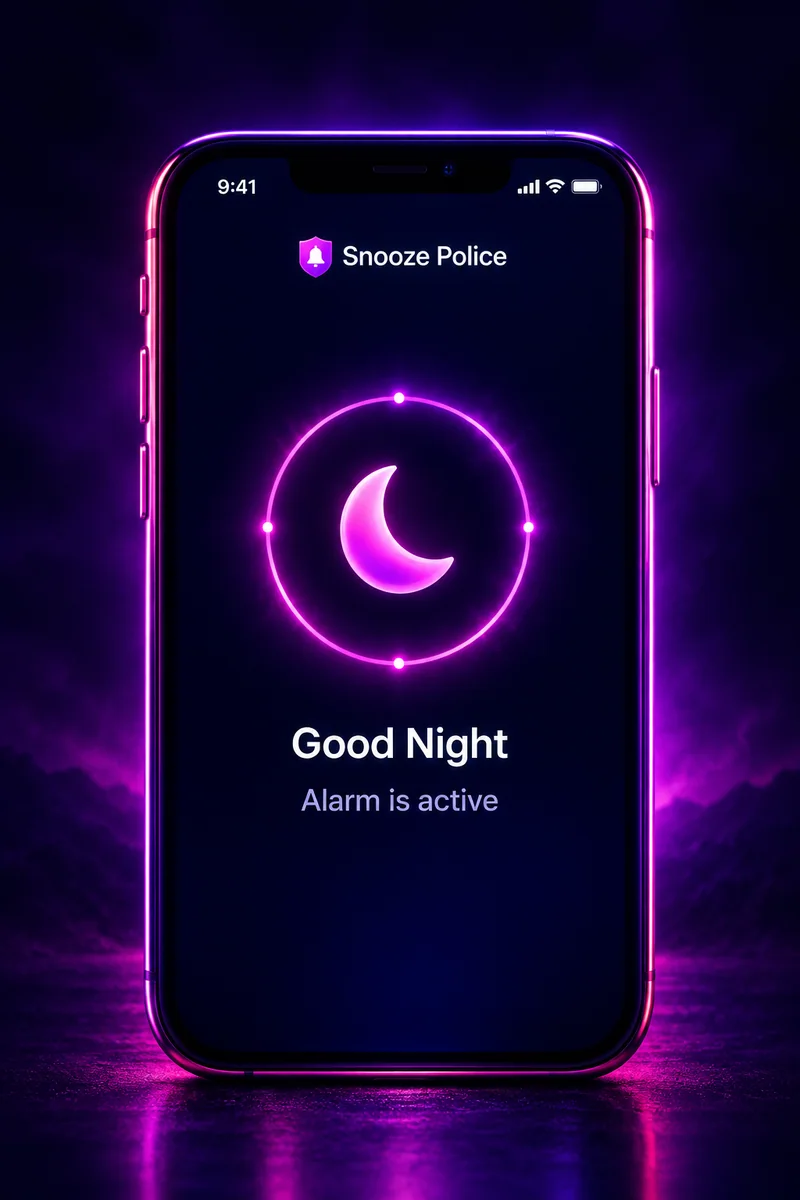
    Snooze Police app showing a moon and the message Good Night, Alarm is active
  4. Get Up

    When the alarm rings, you need to physically move.
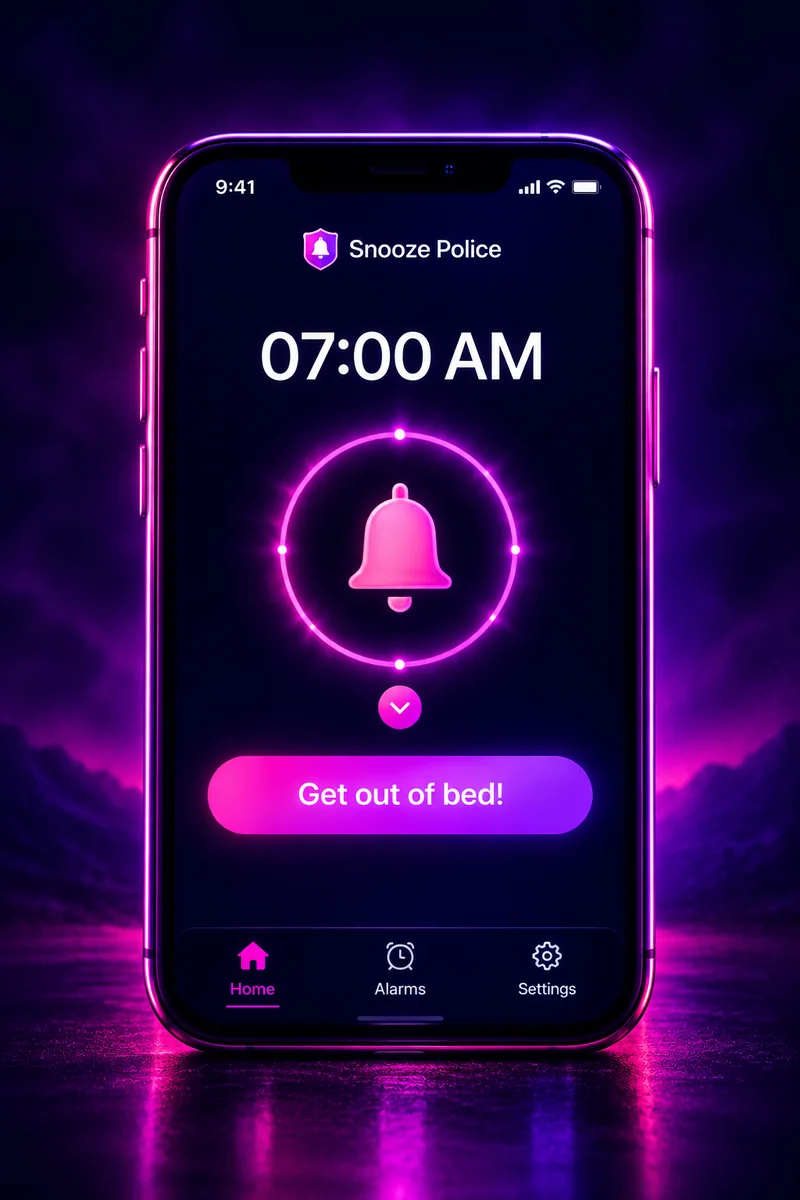
    Snooze Police app alarm ringing at 7:00 AM with a Get out of bed button
  5. Scan To Silence

    Scan your QR code and start your day.
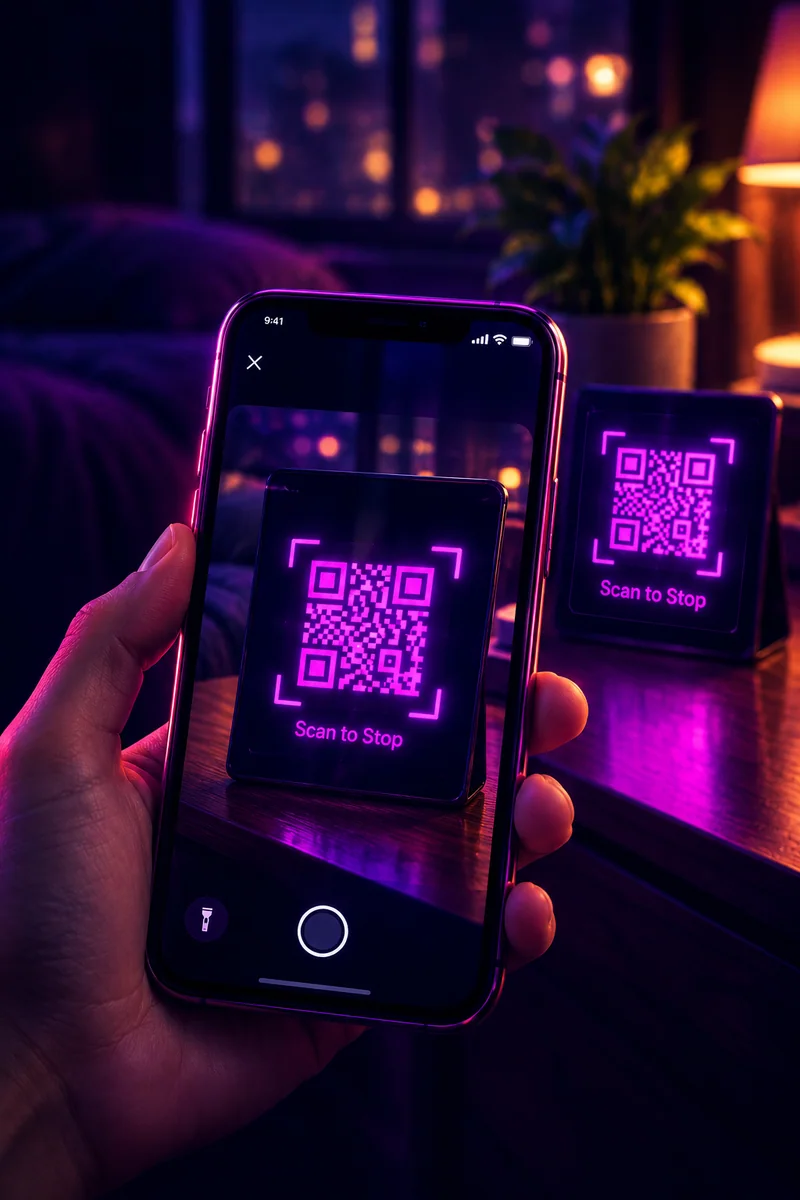
    A hand holding a phone and scanning a glowing QR code to silence the alarm

Features

Everything you need to wake up.

Simple. Effective. No excuses.

  • QR-Based Dismissal

    Get out of bed before the alarm can be silenced.

  • Flexible Alarm Scheduling

    Set alarms around your routine.

  • Vibration

    Extra sensory feedback when your alarm rings.

  • Custom Sounds

    Choose the sound that gets your attention.

  • Repeat Schedules

    Build your weekly routine.

  • Simple Setup

    Set it once. Done.

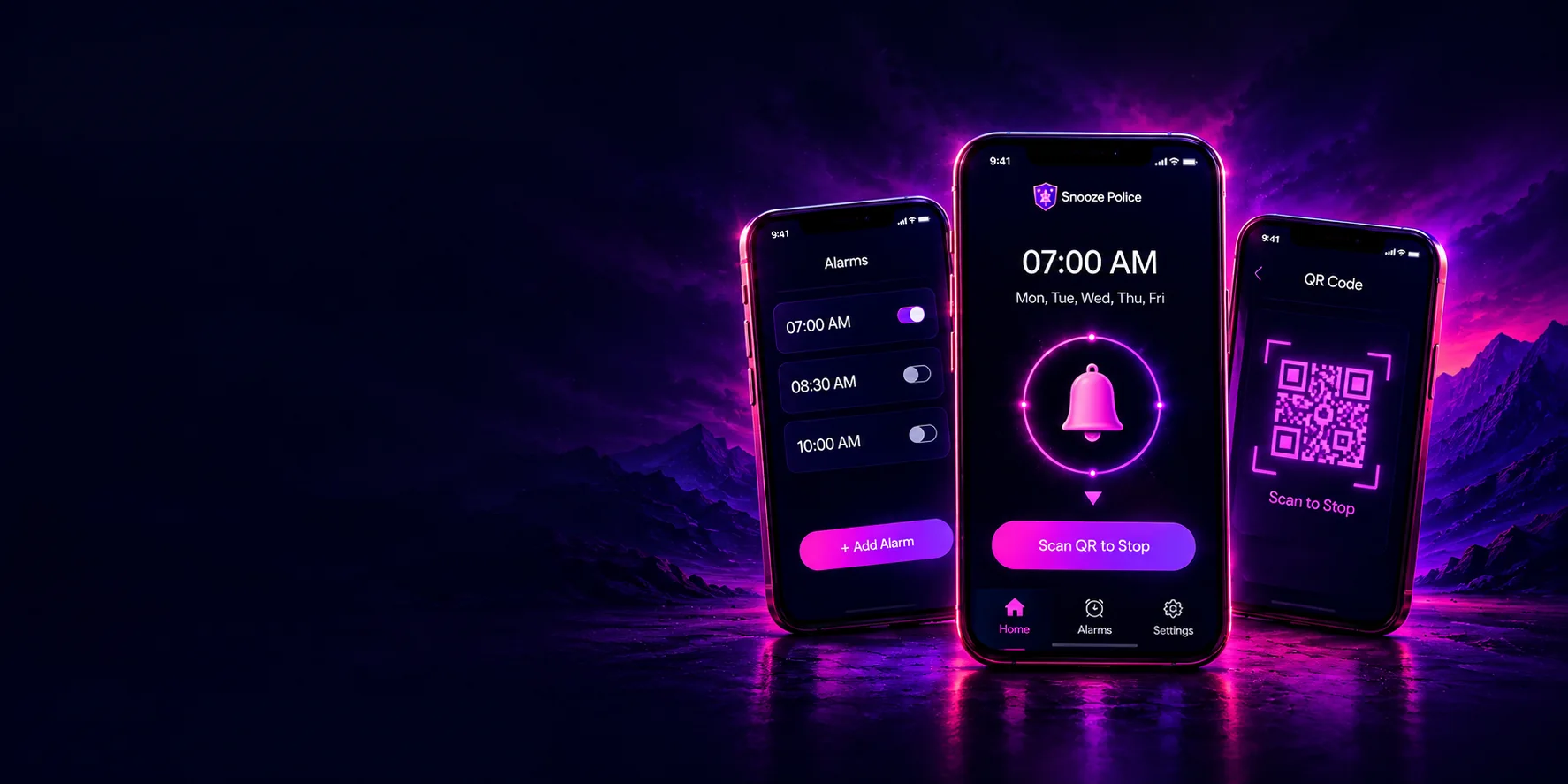
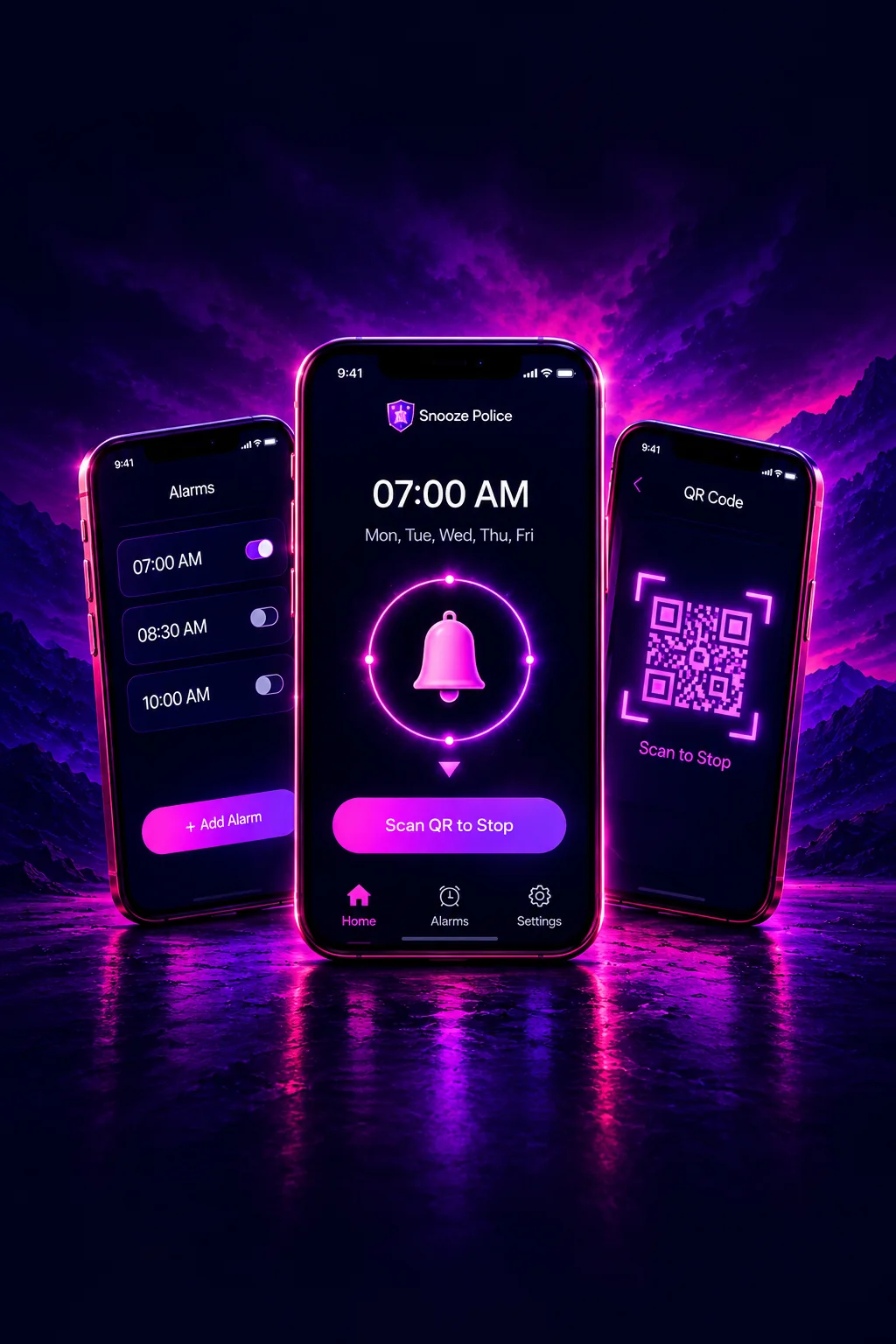
Three Snooze Police app screens: the alarm list, the ringing alarm with a Scan QR to Stop button, and the QR code scanner

Pricing

Simple plans. Better mornings.

Start with a free 7-day trial. Cancel anytime.

Monthly

$10/month

  • QR-based alarm dismissal
  • Flexible scheduling
  • Custom sounds
  • Repeat schedules
Start 7-Day Free Trial
Best Value

Yearly

$49/year

Just $0.13/day to build a habit that lasts

  • QR-based alarm dismissal
  • Flexible scheduling
  • Custom sounds
  • Repeat schedules
Start 7-Day Free Trial

FAQ

Got questions?

Here are the most common ones.

Snooze Police is an alarm app that stops you from silencing your alarm in your sleep. Instead of a simple tap or swipe, you have to scan a QR code placed away from your bed to turn it off — forcing you to physically get up.

When your alarm rings, the only way to stop it is to scan the QR code you've placed somewhere away from your bed. The app's camera reads the code and turns off the alarm. Until you scan it, the alarm keeps ringing.

Somewhere you have to get out of bed and walk to — like your bathroom mirror, kitchen counter, or a spot across the room. The farther it is from your bed, the more effective it is at getting you fully awake.

Yes, you can set multiple alarms with different schedules, each linked to your QR code.

After your free trial ends, you'll be billed based on the plan you selected (monthly or yearly) unless you cancel before the trial ends. You get full access to the app the whole time — there's no separate limited "free version."

Cancellation and refund details are in our Refund & Cancellation Policy.

Snooze Police is built for Android only, distributed as an APK from this website. It's not currently available for iPhone or other platforms.

No. Once installed, alarms and QR scanning work completely offline.

No problem — your QR code isn't a one-time thing. You can always go to Settings → View My QR Code to see, save, or print it again at any time, right from within the app.

Yes — but on some phone brands (like Xiaomi, Vivo, Oppo, or Samsung), you'll need to exempt Snooze Police from battery optimization so the system doesn't shut it down in the background. We'll guide you through this during setup, and you can always check or fix it later from Settings → Battery Optimization.

Ready to stop snoozing?

Give yourself 7 days to build a better morning routine.

Start 7-Day Free Trial

A hiker seen from behind watching the sunrise over purple mountains